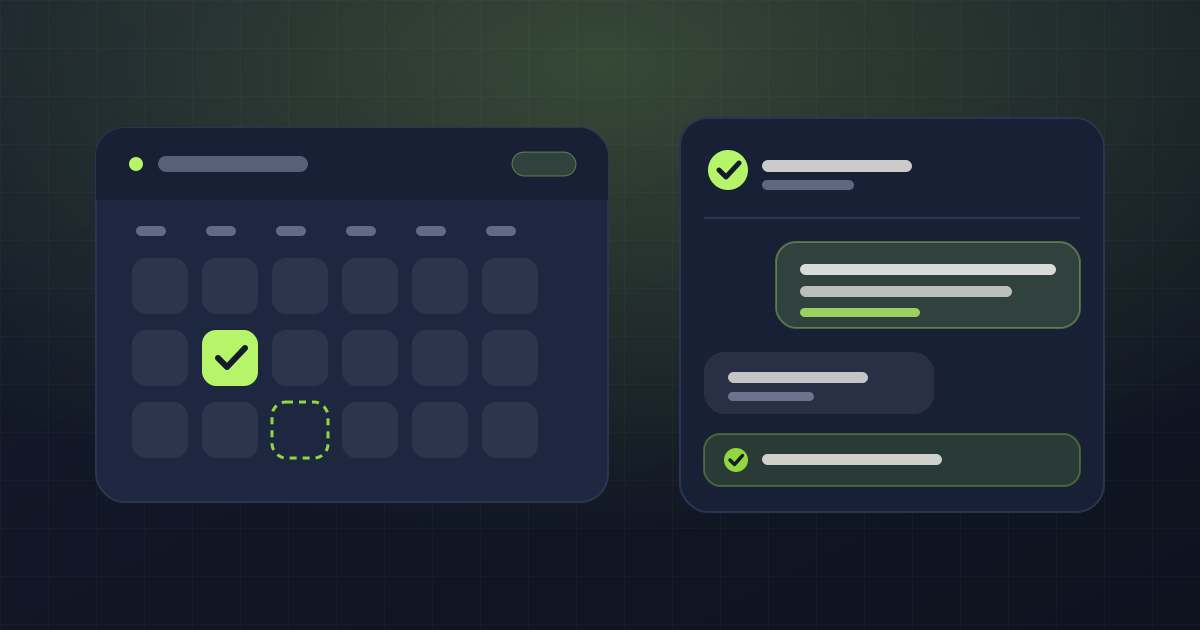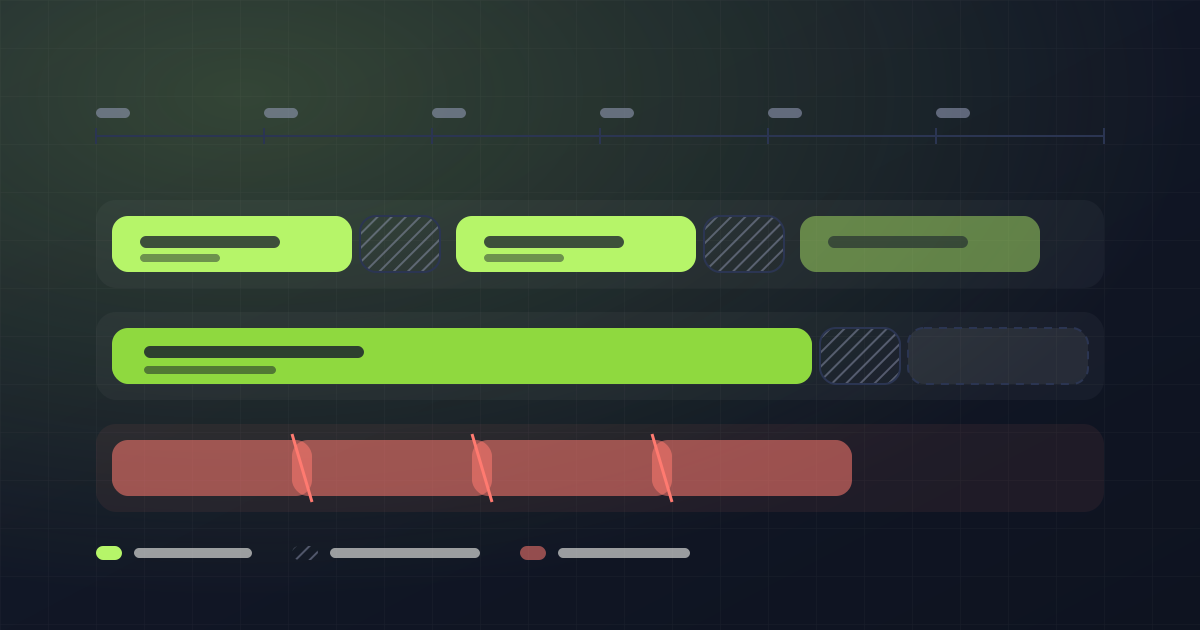
An AI assistant handling your WhatsApp sounds great until it tells a client you're full on a Saturday when you had twenty slots open. That happens, it's more common than it looks, and it's the difference between a tool that helps you and one that costs you money.
It's worth understanding why it happens, because it explains what to demand from a system like this.
Why a language model "invents" that you're full
A language model knows nothing about your calendar. All it knows is what was put in front of it in the text. When it doesn't have the fact, it doesn't say "I don't know": it produces the answer that sounds most reasonable.
And two things sound very reasonable:
- That a Saturday afternoon is full.
- That you're closed on Sunday.
Both are plausible. Both are, quite often, false. And both send the client away convinced there was no room.
There's an aggravating factor: if the assistant's instructions contain an example phrase like "we're fully booked", the model copies it. You wrote the phrase by hand and now it uses it when it shouldn't.
The rule that has to be non-negotiable
Before saying anything about times, the assistant has to check the real calendar. Not "should". Has to.
And here's the point almost nobody looks at when comparing tools: that rule cannot live only in the instructions you write.
If the rule sits in the configuration text, two things happen. One: the model skips it, because models skip instructions when the text is long. Two: anyone editing the configuration can delete it without understanding what it protected.
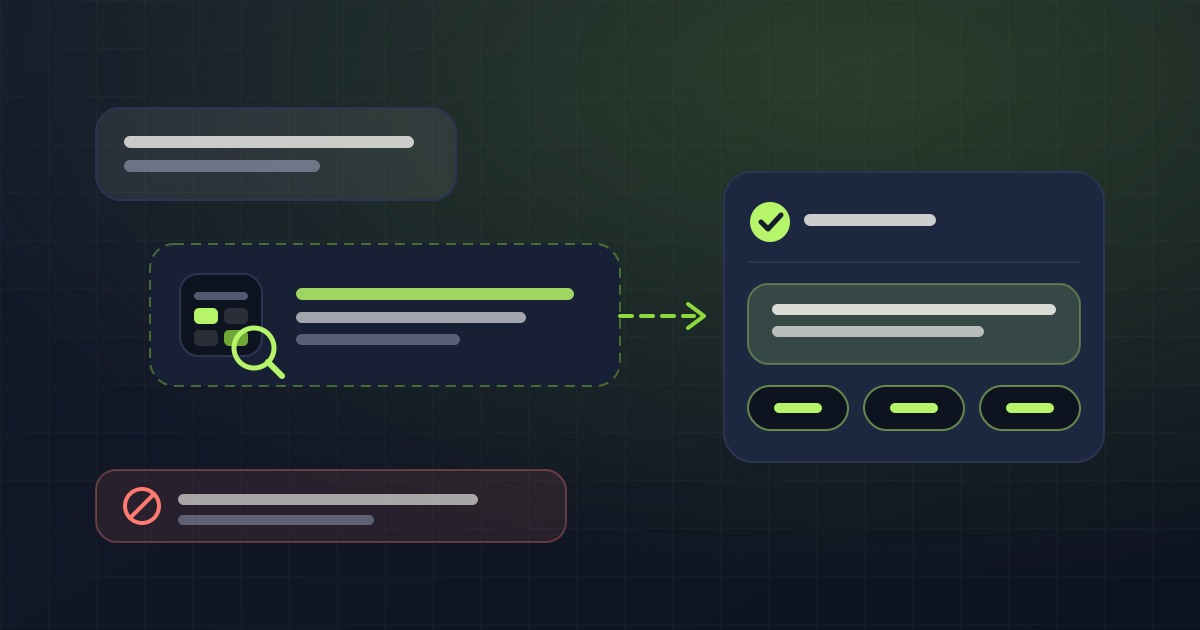
What you need is a check in the code that inspects the reply before it's sent. If the assistant claims there's no availability and it didn't consult the calendar on that turn, that reply doesn't go out.
In AgendaYa it works like this: the claim is detected, a correction is fed back to the model forcing it to check, and the turn is retried. If it invents again on the second attempt, the client gets a neutral message and the conversation passes to a person. They never receive the made-up sentence.
Sundays and public holidays are the most expensive case
Almost every business opens some Sunday. A long weekend, a busy season, a weekend with unusual demand.
An assistant that assumes Sundays are closed loses you exactly the clients from your highest-demand days. And you never find out, because that conversation ends with the client saying "ah, okay, thanks".
The single source of truth has to be the calendar, day by day. "We close on Sundays" isn't a fact about the business: it's an average that fails precisely when it matters.
What the assistant does do well
With the calendar as the source of truth, an assistant does a fairly boring job well:
- It answers at nine at night and on Sundays.
- It recognizes an existing client by their number and doesn't ask for their details again.
- It gives prices and durations from the catalog, without inventing.
- It offers two or three concrete times instead of asking "when suits you?" five times over.
- It books, moves and cancels.
That's the majority of the messages a person answers today between one client and the next.
What you shouldn't hand it
This matters just as much:
- Voice notes, photos and documents. Interpreting a photo you don't understand and answering about it is worse than saying "someone from the team is looking at this".
- Medical, legal or financial advice. No exceptions.
- Negotiating terms you didn't set. A discount nobody authorized is money you lose.
- Confirming something that failed. If the booking tool returned an error, the assistant cannot say "you're booked". Confirming a false success breaks both the calendar and the trust.
How to evaluate a tool
Three questions that separate the useful ones:
- Does it check the calendar before talking about times, or answer from memory? Ask them to show you what happens when you ask about a Sunday you opened.
- What does it do when it doesn't know? The right answer is handing it to a person, not improvising.
- Can I turn off its ability to write? An assistant that informs but doesn't touch the calendar is a good first step while you build trust.
If all three answers are good, the rest is configuration.