Don't lose bookings to late replies.Your calendar fills itself.
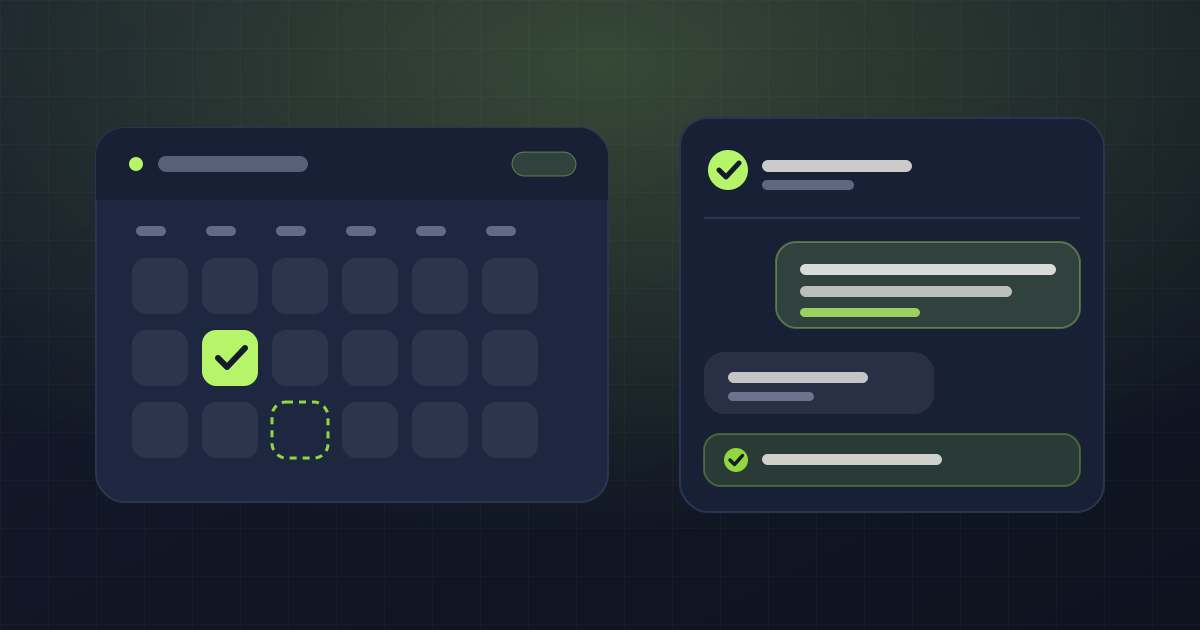
Your assistant answers WhatsApp messages automatically, 24 hours a day. It checks the real availability of your calendar and your team before offering a time, and books appointments in seconds. No invented openings, no clashes, no double bookings.
- No card to create the account
- Ready in a minute
- Your own booking page
Mateo's Barbershop
online
Hi, any room tomorrow for a cut and beard?
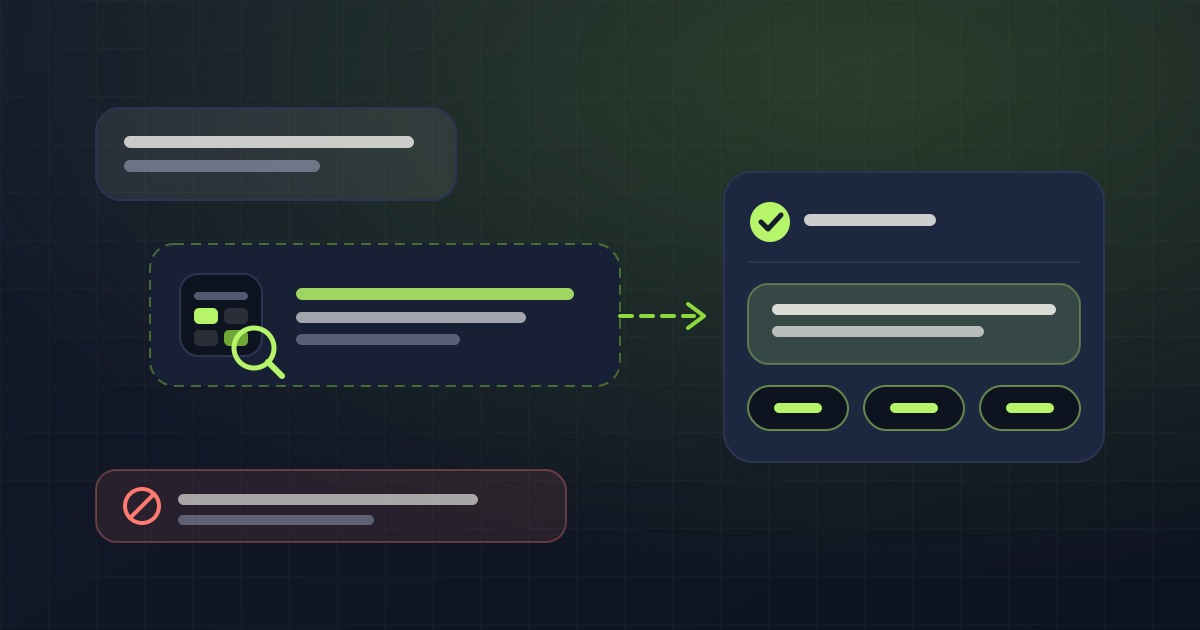
Read your catalog · Cut and beard · 45 min
Checked your real calendar · tomorrow
Hi! Yes. Tomorrow, Tuesday, I have 10:15, 14:00 and 17:30 left with Andrés. Cut and beard is 45 minutes, from $45,000. Which one works?
delivered17:30 is perfect
Done, you're booked for tomorrow at 17:30 with Andrés. I'll message you today at this time to confirm. If you need to move it, just reply here.
delivered- ✓
Appointment created on your calendar
Cut and beard · Tue Jul 30 · 17:30 · Andrés
Why
Every unanswered message is an opportunity that ends up on your competitor's calendar
If they don't get a quick reply, they'll probably book wherever they do.
The message that arrived after hours
Many clients write at night, on weekends or while you're busy. If you answer hours later, chances are they've already booked somewhere else.
The slot that stayed empty
A last-minute cancellation or an appointment that was never confirmed leaves a gap you'll struggle to fill that same day.
The same questions, over and over
“How much is it?”, “How long does it take?”, “Anything free on Saturday?”. While you answer the same questions again and again, you stop doing the work that actually grows your business.
How it works
Three steps, one single setup
You set up your services and hours
Services, durations, staff and schedules. Only once.
You connect your WhatsApp
Your assistant starts answering automatically from your own number.
Appointments book themselves
It schedules appointments, sends reminders and automatically reuses the slots that cancellations free up.
The assistant
AI doesn't replace your judgment. It protects it.
One wrong answer can cost you a client. That's why AgendaYa doesn't improvise: before replying, it checks your information and only offers what's actually available.
It always checks before answering
Before offering a time, it checks the real availability of your calendar and your team. It never invents openings, never creates clashes and never books two clients at the same time.
It always answers with your information
Prices, services, appointment durations and business policies: everything comes from the information you configure. If a detail is missing or a request needs special attention, the assistant doesn't improvise; it hands the conversation to a person.
It knows when to give you control
If it detects a complaint, a special request or a conversation that calls for human judgment, it notifies you and hands you the chat so you can carry on without losing context.
Your business always has the last word
The rules that protect your operation can't be changed by accident. You define how you want the assistant to answer, and AgendaYa makes sure those rules are respected in every conversation.
Everything AgendaYa does for you
A calendar that adapts to your business, not the other way around
Every business works differently. That's why AgendaYa understands how yours operates and automates bookings while respecting the rules you already use.
It respects each service's real duration
Every service has its own duration. AgendaYa only offers times where there's actually room.
It organizes your whole team's calendar
Each professional has their own hours, working days and assigned services. If only one person performs a service, the system books only with them.
It handles breaks, holidays and special hours
Lunch breaks, holidays, sick leave, public holidays or exceptional shifts. Everything is reflected automatically in the availability, without affecting the rest of the team.
It recovers appointments before you lose them
Automatic reminders help reduce no-shows. If a client cancels or reschedules, that slot becomes available again for a new booking.
It books individual or group services
Ideal for workshops, classes or any service with multiple seats. Availability is calculated from the spots left, not from a single person.
It shows which campaigns bring the most bookings
Connect your Meta and WhatsApp campaigns to know exactly where each client comes from and which ads are filling your calendar.
It takes bookings from your own web page
Share a link with your brand, your logo and your colors, or embed it on your own domain for a fully professional experience.
Access it from anywhere
Check the calendar from your phone, or connect AgendaYa to other systems through our API to automate your operation even further.
Your day, made simpler
Your whole business, at a glance
Open your dashboard and find everything in one place: who's coming, with which professional, at what time, the status of every appointment and the open slots. No notebooks, no digging through WhatsApp conversations, no rebuilding the calendar every morning.
- 24/7
- serving your clients, even when your business is closed
- 0
- apps your clients have to download: everything happens on WhatsApp
- 1 min
- to set up your business and start taking bookings
Tuesday, July 30
5 appointments · 8 h 20 min- 09:00Laura RestrepoCut and blow-dry · AnaCompleted
- 10:15Julián OspinaCut and beard · AndrésIn progress
- 11:30Camila DuqueFull color · Ana3 h · blocks the chair until 14:30Confirmed
- 14:00Sofía MarínGel manicure · ValeConfirmed
- 17:30New · via WhatsAppCut and beard · AndrésAwaiting confirmation
Today's load
- Ana92%
- Andrés68%
- Vale41%
Booked by the assistant3 of 5
Reminders sent5
Gaps open today2 · 12:30 and 16:00
Designed for the way your business works
Every business schedules differently. AgendaYa gets that too.
Running a barbershop isn't the same as running a medical practice or a veterinary clinic. That's why AgendaYa adapts to the way each business works, respecting its hours, professionals, services and booking rules.
Pricing
Simple, transparent, and you never overpay
One price per user, WhatsApp included. Other channels and the extra users you add are billed separately, so you don't pay for what you don't use.
1 month free when you pay for the year upfront
Professional
For someone working solo: one user, their calendar and their WhatsApp handled by the assistant.
COP 850,000
per month
- 2 users
- WhatsApp included · other channels billed separately
- unlimited service types
- unlimited appointments per month
- AI assistant · unlimited messages per month
- Your public booking page
- Meta ad attribution
Added when you need them
Additional user
COP 300,000per month, per user
Each additional user, with their own calendar, hours and services.
You can create your account and set up your calendar without a card, to see it working before deciding. The plan is activated with us: there's no online payment yet.
Questions
Frequently asked questions
And the answers we actually give, including the ones that don't flatter us.
What do I need to get started?
Your business name, your opening hours and one service. That's enough to have your public booking page and your calendar running. Creating the account asks for no card: you can set it up and see it working before paying.
Can the assistant invent a time I don't have?
No, and that isn't a promise: it's a lock in the code. Before answering about availability, the assistant has to check your calendar with a tool. If it tries to answer without having checked, the system blocks the reply and forces it to look. Same with prices: it gives the ones in your catalog or hands the conversation to a person.
What if a client asks something the assistant doesn't know?
It escalates to a person instead of improvising. The conversation is flagged in the dashboard inbox so someone on the team can pick it up, and you can pause the AI in any chat and answer yourself.
Does it work if everyone on the team keeps their own hours?
That's the normal case. Each person sets their own days and hours, split shifts with lunch in between included, plus breaks and time off. Anyone who doesn't set their own inherits the business hours.
Can I open on a Sunday or close for a one-off holiday?
Yes, as an exception for that date, without touching the weekly schedule. The assistant respects it: it never says you're closed on a day you opened.
Do my clients have to download anything?
No. They book from your booking page or by messaging you on WhatsApp, and they can cancel or move their appointment with their own link, without creating an account.
What happens to my clients' data?
Each business's data is isolated from every other one, and it belongs to the business, not to us. You can delete it whenever you want, and closing the account erases everything. The details are in the privacy policy.
How does billing work if there are several of us?
Pricing is per person providing the service, not per business. The Professional plan covers one person; on the custom plan each additional person adds to the monthly total, with their own calendar, hours and services. WhatsApp is included and the other channels are added separately.
Can I use my own domain?
Yes, on both plans: your bookings can live at something like booking.yourbusiness.com instead of a subdomain of ours. If you don't have a domain, you use your subdomain on agendaya.com.co.
From the blog